Overview
Communication is the main page that all users are routed to when initially signing in. It always defaults to External communication page.
External Communication Visibility
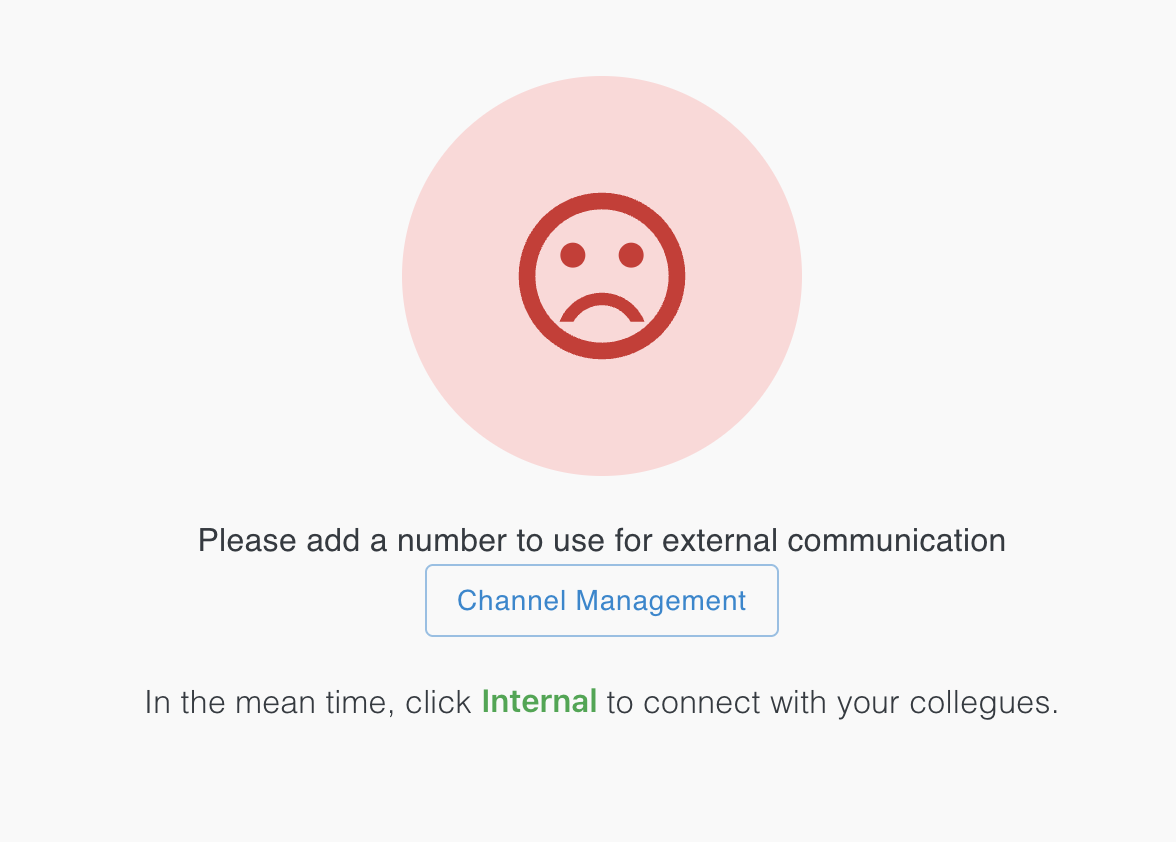
The External page will display a notification, like the one below, if there are no numbers associated with the user's company.
You can click and navigate to Channel Management from here or the sidebar menu. You can also alternatively go to Internal Communication from here or the top-right corner.
Once you purchase or port a number, the view of the Communication page will change instantly.