External Messaging
On the Communication page, the default selection is External, but if you are on the Internal page, you can click the External button from the top-right corner.
Navigation
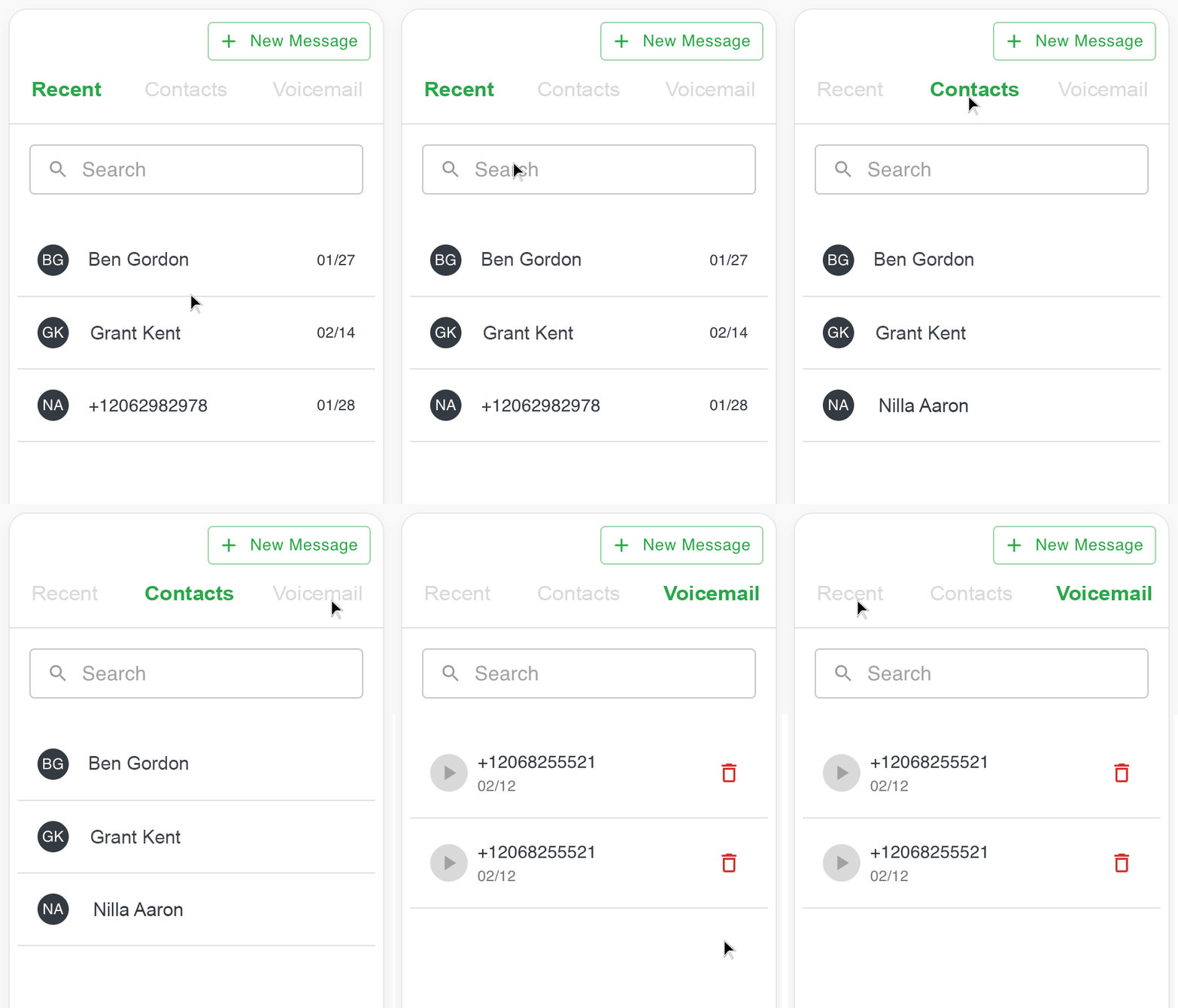
On the left side, you will see a full height navigation pane with a New Message button and a navigation with three tabs, the default is Recent, which includes a list of the recent calls and messages, the second tab is Contacts which includes a list of all the company contacts, and the third is a tab for Voicemails.
Search
You can search contacts, recent communications or voicemails by name or phone number.
Company channel
Similarly, you can also select Company from the tabs and start engaging your teammates instantly.
Call Functionality
Free internal calling is coming soon.