Internal Messaging
On the Communication page click Internal from the top-right corner.
Navigation
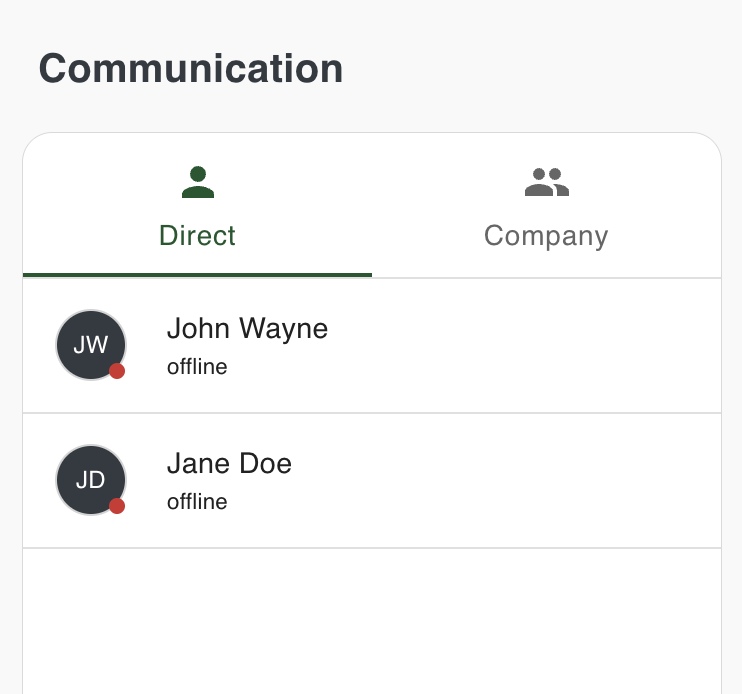
On the left side, you will see a navigation with two tabs, the default is Direct, which includes a list of your team, and the second tab is Company which includes the company group chat. Select any of the users and start chatting, react to messages with emojis, and share images/video/files/audio.
Status Indicators
The badges next to the names indicate whether a user is online or offline.
Company channel
Similarly, you can also select Company from the tabs and start engaging your teammates instantly.
Call Functionality
Free internal calling is coming soon.